 Rapyd
Giving merchants control over their fraud rules, without writing code.
Rapyd is a global payments platform, and Rapyd Protect screens merchants’ transactions for fraud. As part of Rapyd’s product design team, I designed the Rule Builder: a self-service experience in the Client Portal where merchants create and manage their own fraud prevention rules.

The problem
Merchants knew their own business. Changing a fraud rule still meant asking Rapyd.
Whenever merchants needed to change their fraud prevention rules, they depended on Rapyd’s internal teams. That dependency limited their control and made it harder to respond quickly as their business needs changed.
We interviewed merchants, and Customer Success, who were in constant contact with them, kept bringing us their requests, problems and feedback. The direction was clear: move routine rule management into the merchants’ own hands.
01 · Self-service control
Every rule, in the merchant’s hands
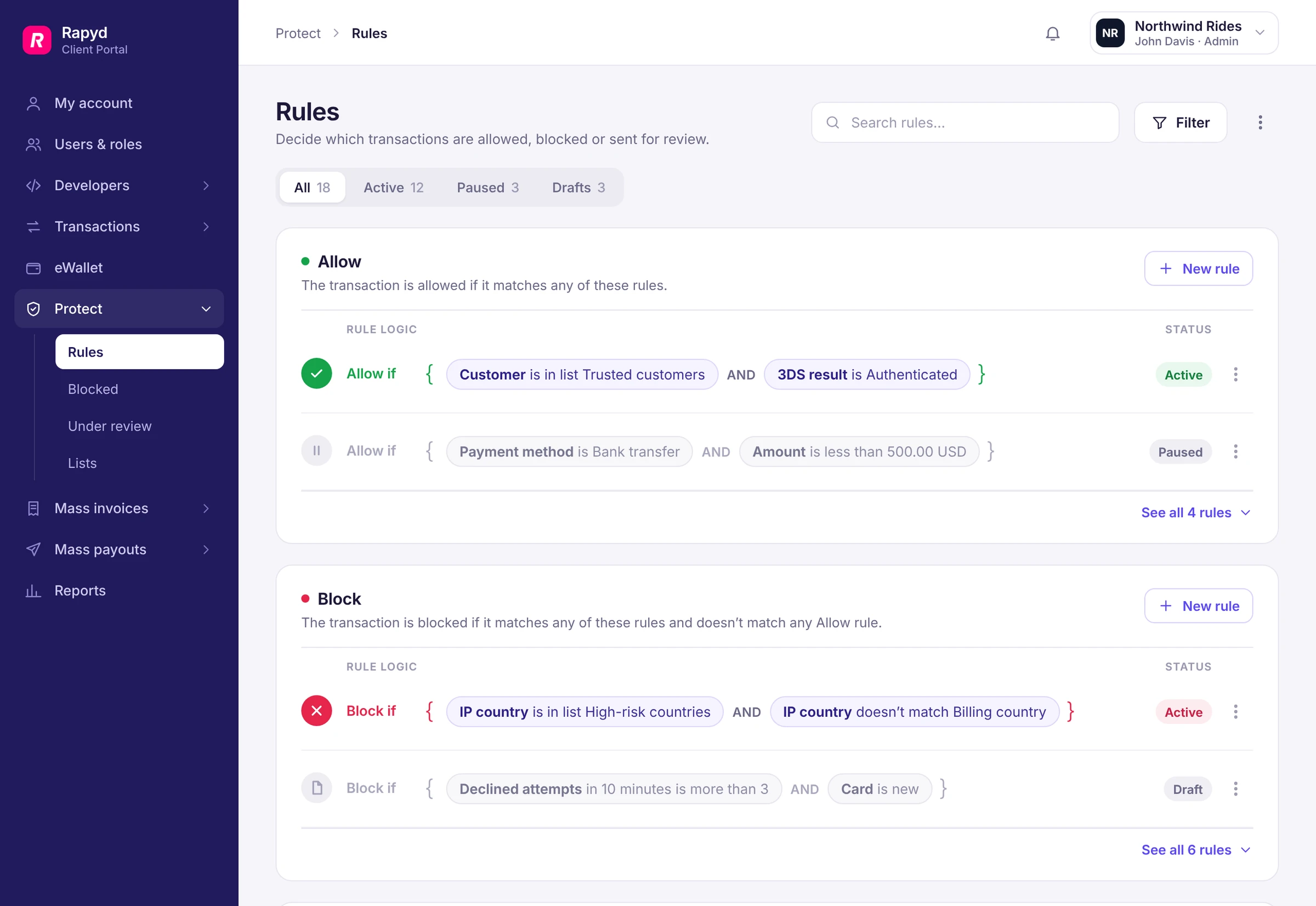
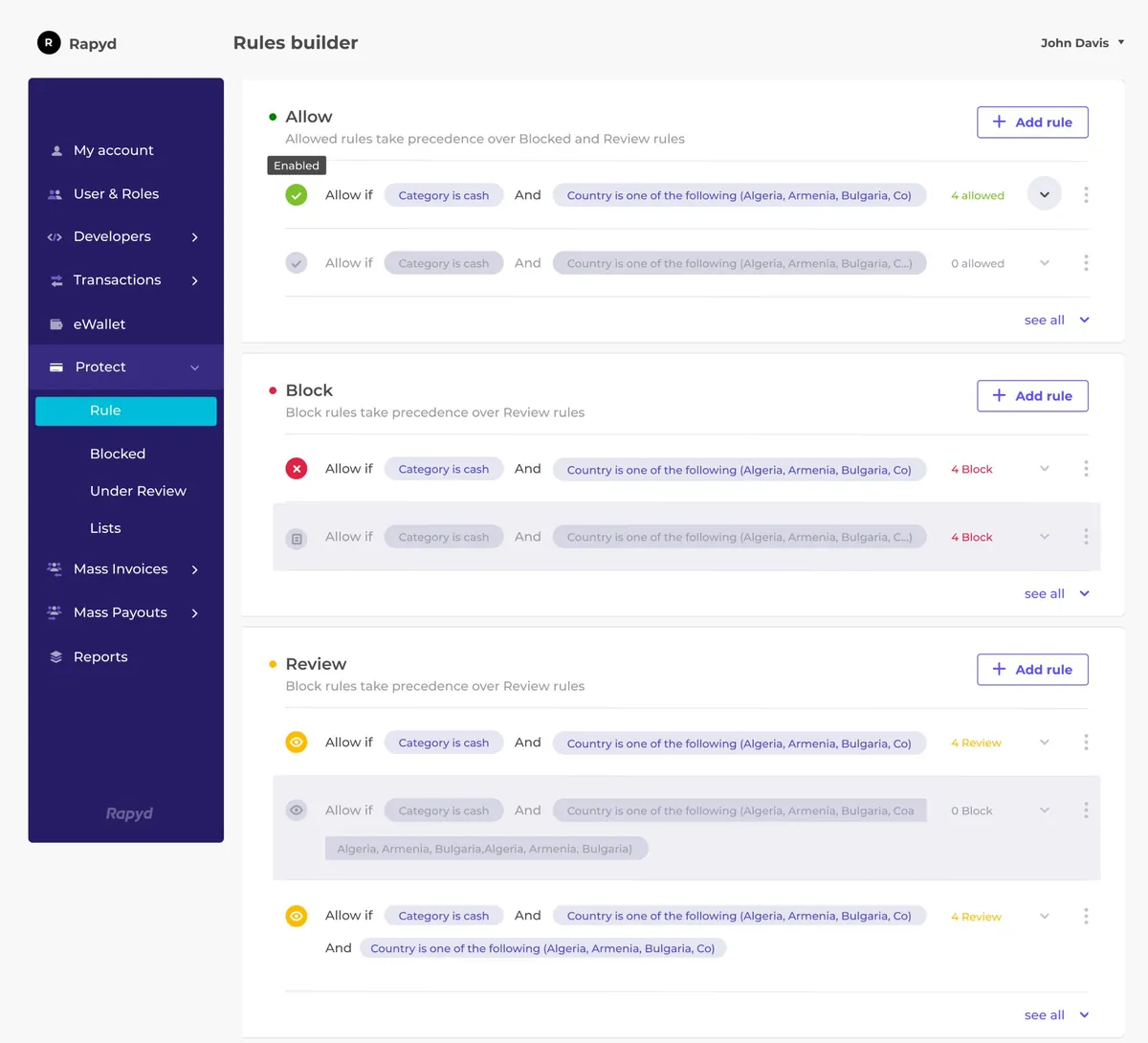
Merchants needed to create and manage their own rules without contacting Rapyd for every change. The rules library became their home base: every rule in one place, grouped by what it does to a payment.
 1234
- 1The outcome explains itselfAllow, Block and Review each say what happens to a payment. When an Allow and a Block rule both match, Allow wins.
- 2Logic you can readEach condition is a chip: the field in bold, then the condition and the value. A rule reads like a sentence.
- 3Inactive looks inactivePaused and draft rules turn grey, so nothing inactive looks like it’s running.
- 4Start from the outcomeEach section has its own New rule button, so the rule type is set before building starts.
01 · Self-service control
Long rules stay readable
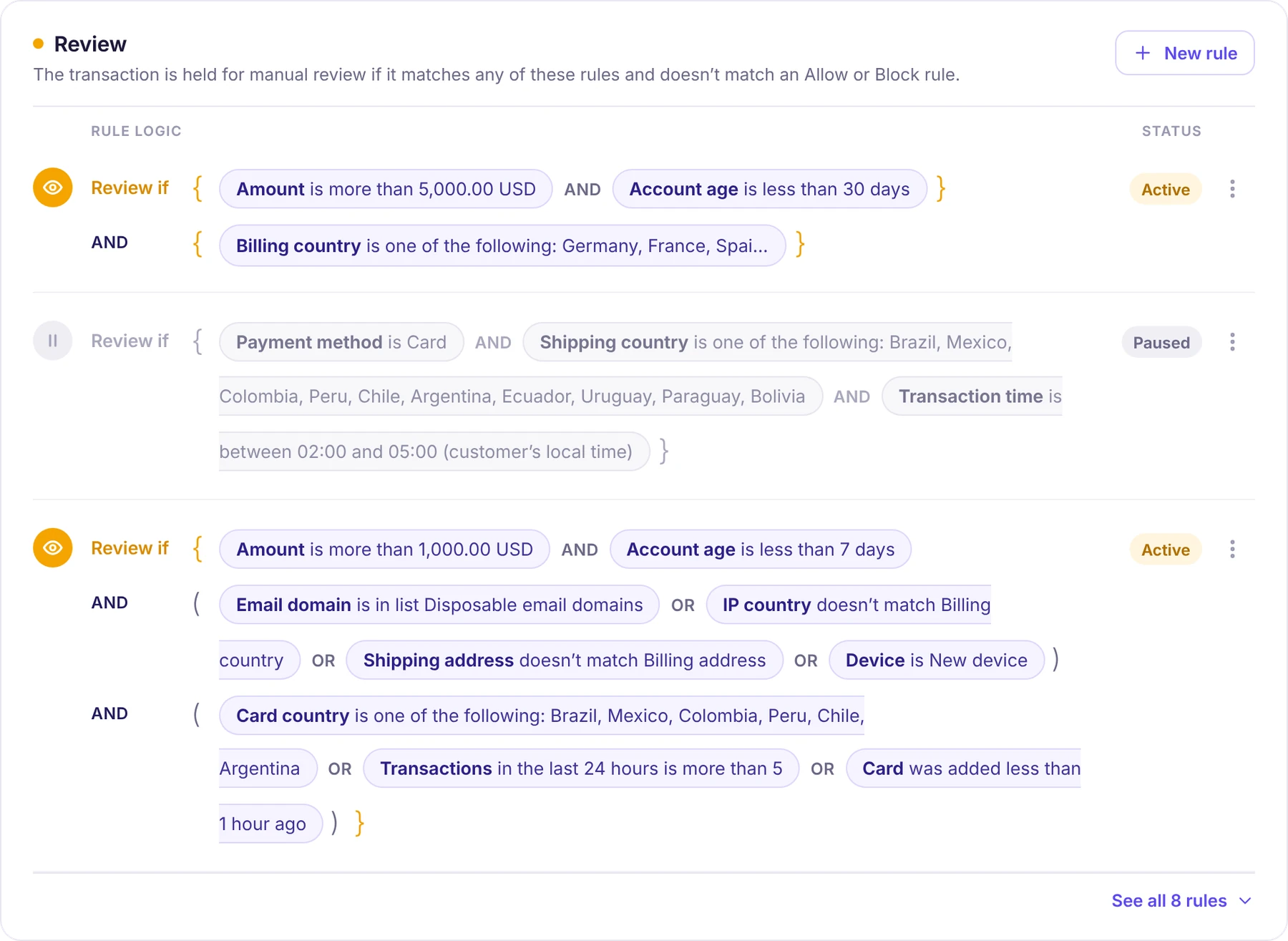
Real fraud rules get long. Instead of hiding them, the library keeps their structure visible, line by line.
- 01Conditions that wrap, on purposeA long condition breaks at the edge and continues on the next line. The open edge of the chip shows it isn’t finished.
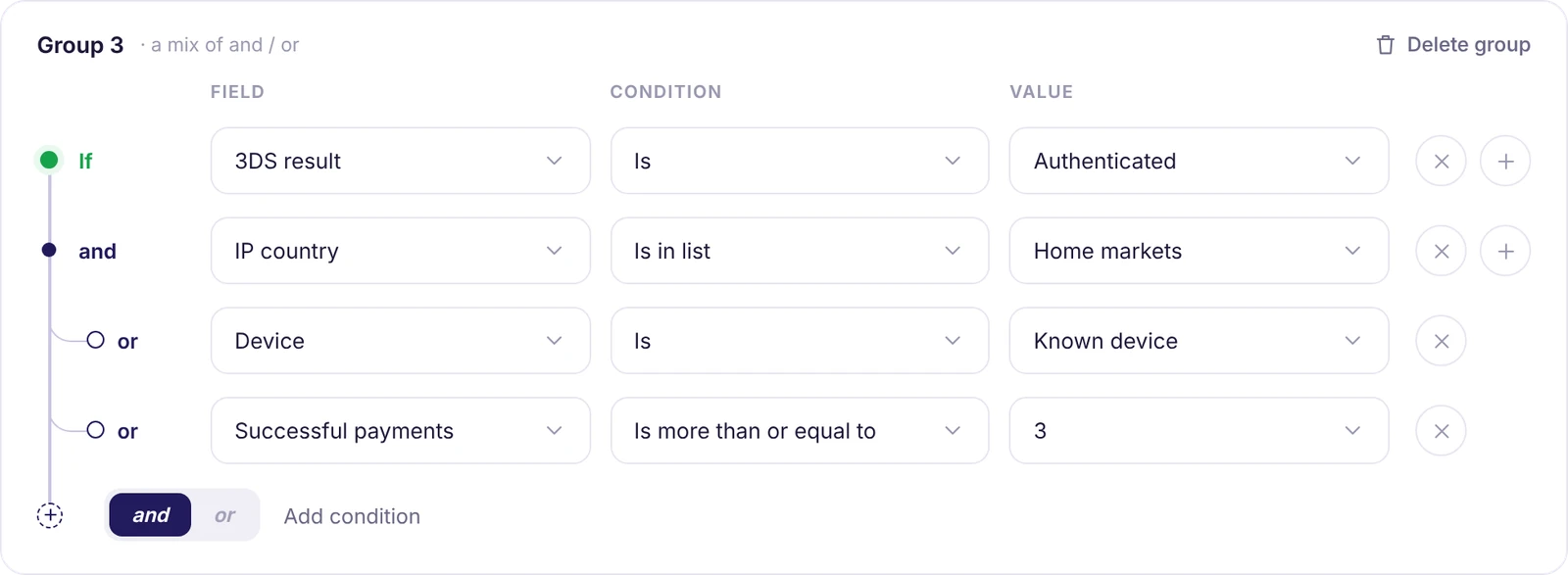
- 02Brackets show the structureCurly brackets for a group, round brackets for or-alternatives inside it, the same structure as in the builder.
- 03One aligned edgeEvery line starts under the first condition, so the eye follows a rule from top to bottom.
01 · Self-service control
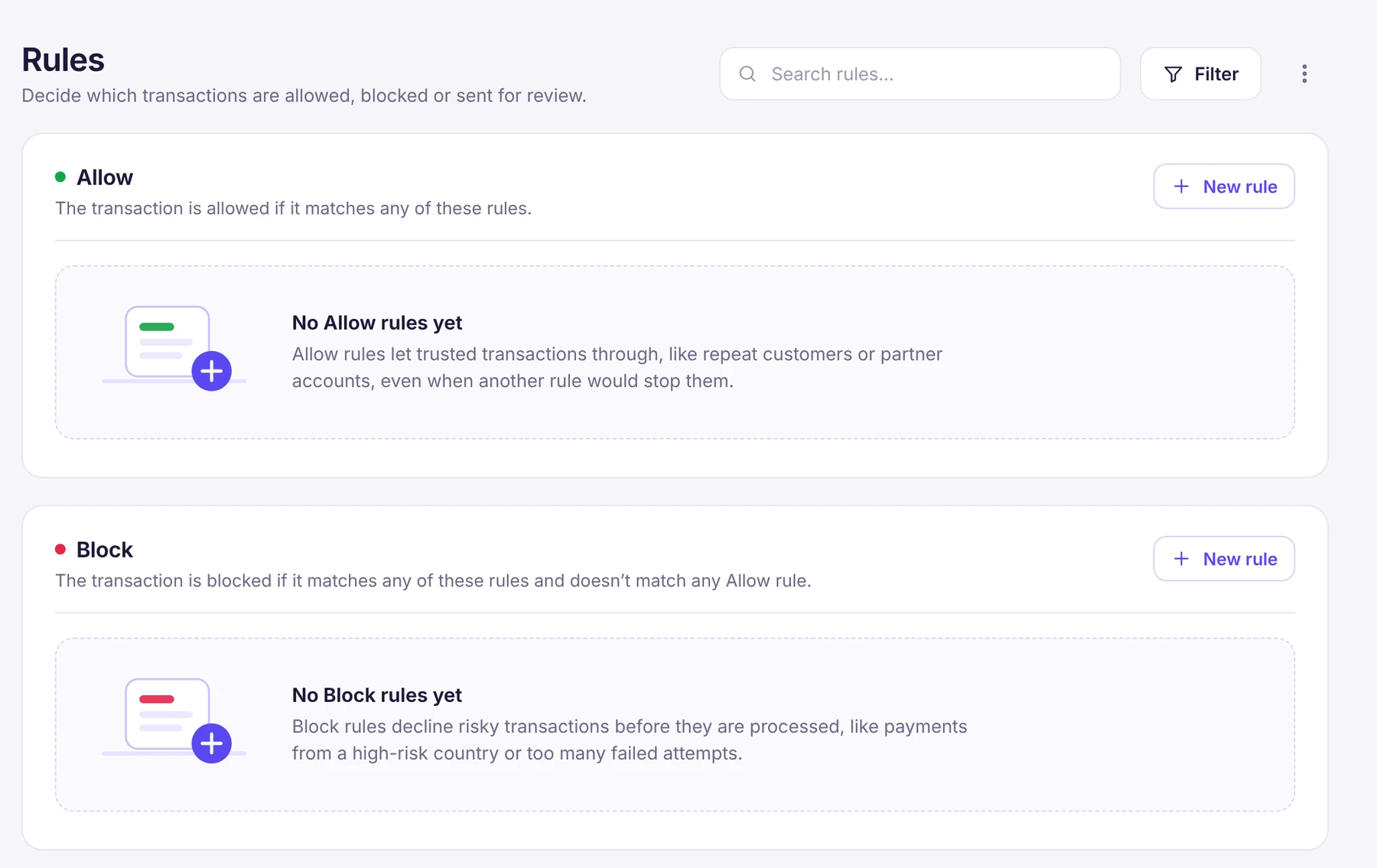
An empty state that teaches
Before the first rule exists, each section explains what it’s for, with examples merchants recognize, and the button to create one is right beside it.
- 01Explain the outcomeWhat an Allow or a Block rule does, in one sentence.
- 02Use real examplesRepeat customers, high-risk countries, failed attempts: cases every fraud team knows.
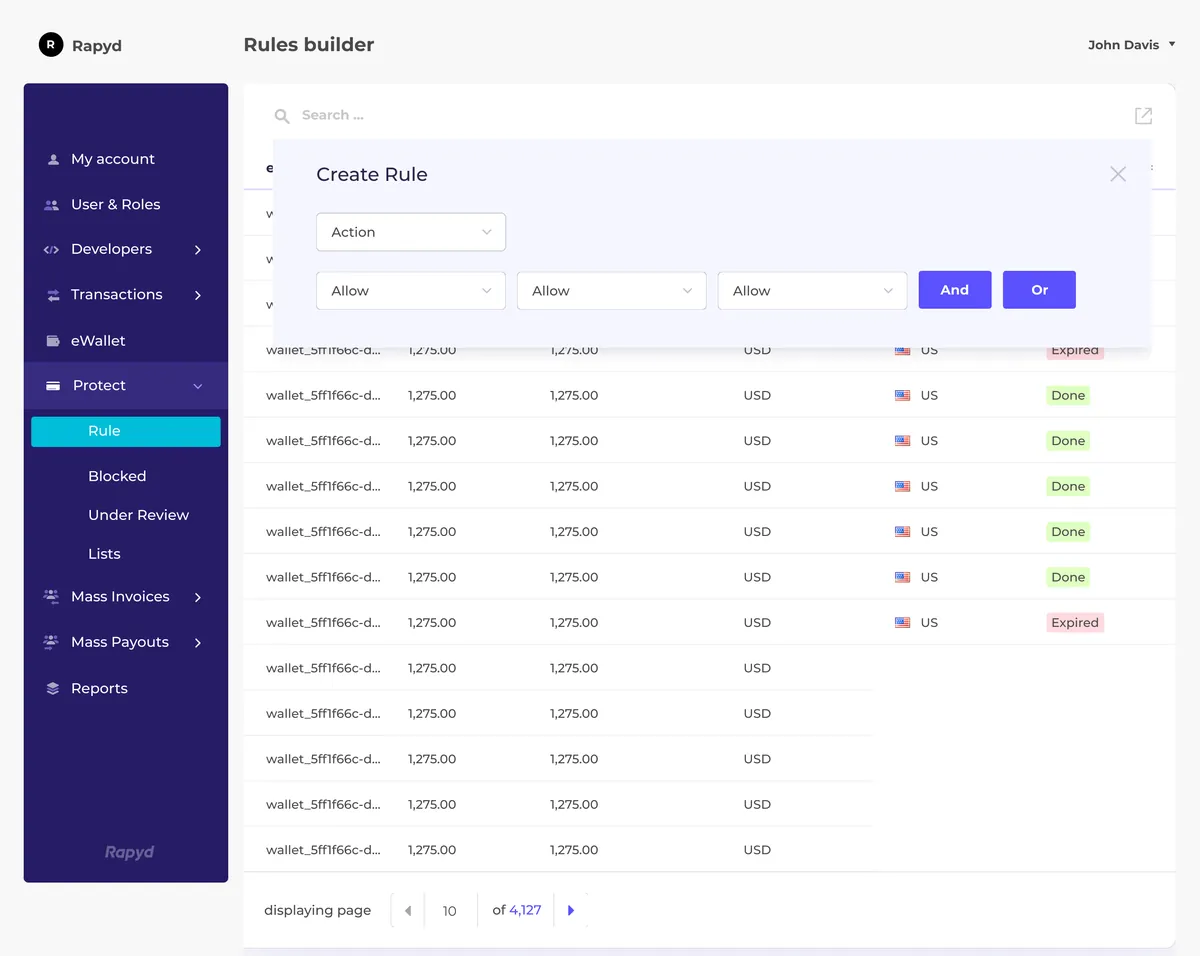
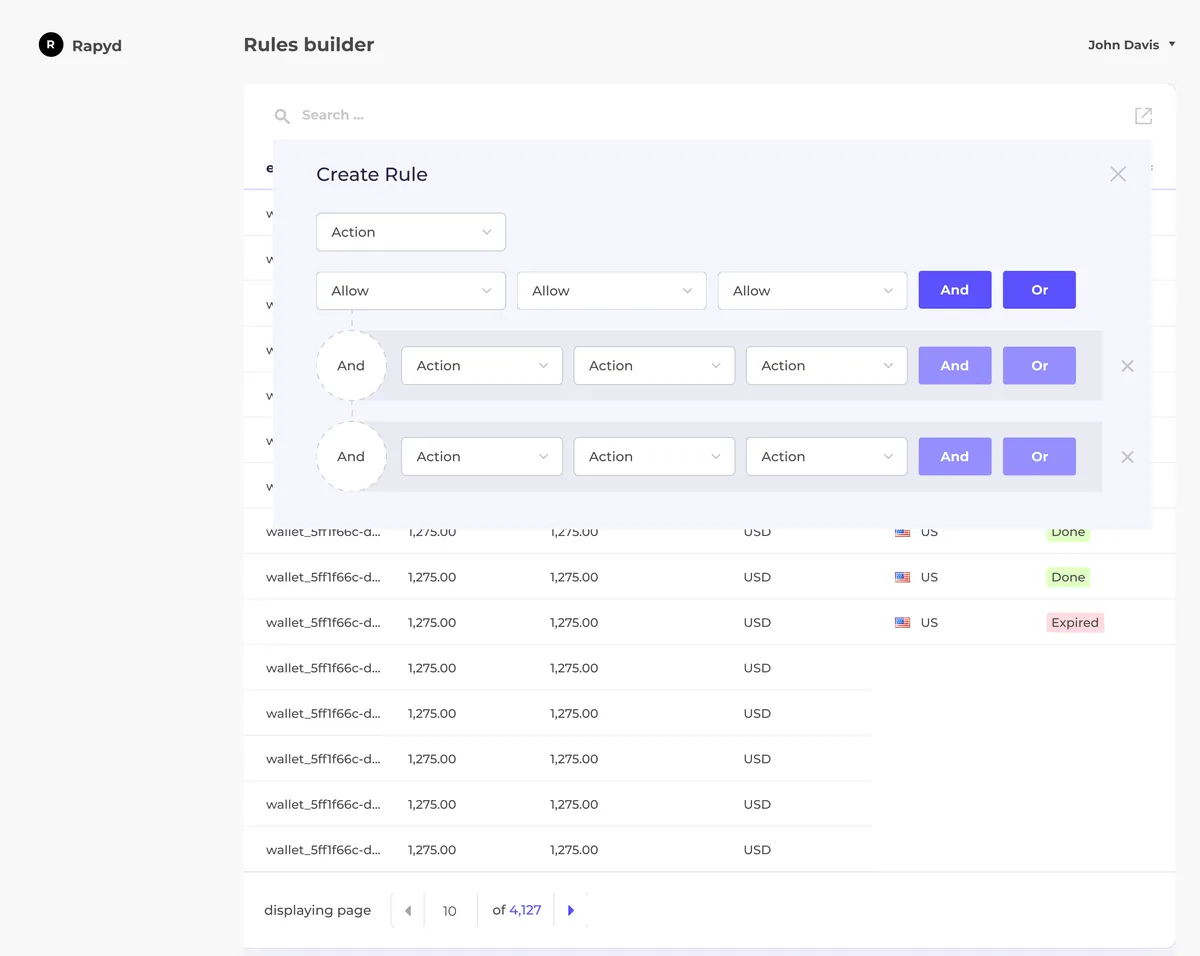
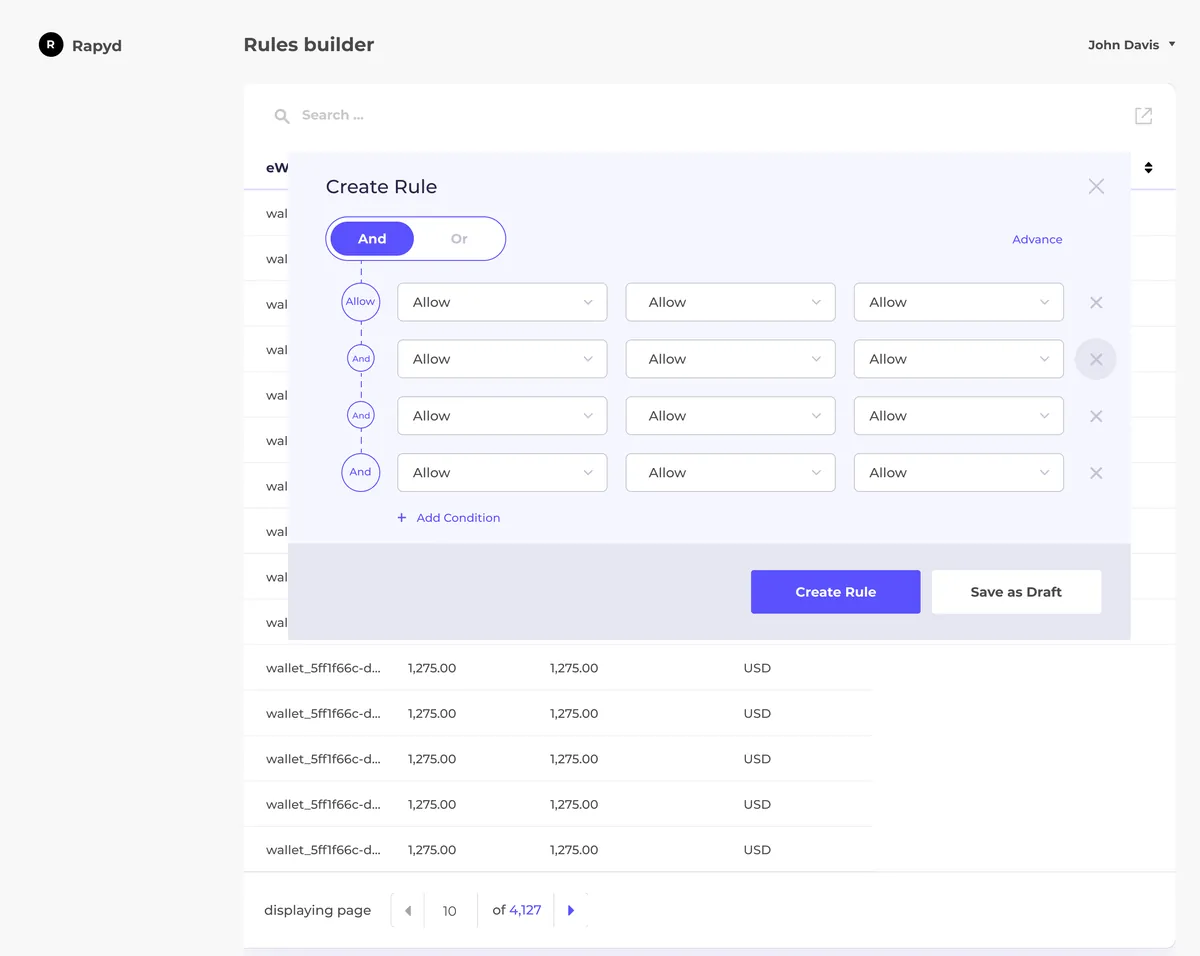
02 · From modal to workspace
Rules outgrew the pop-up
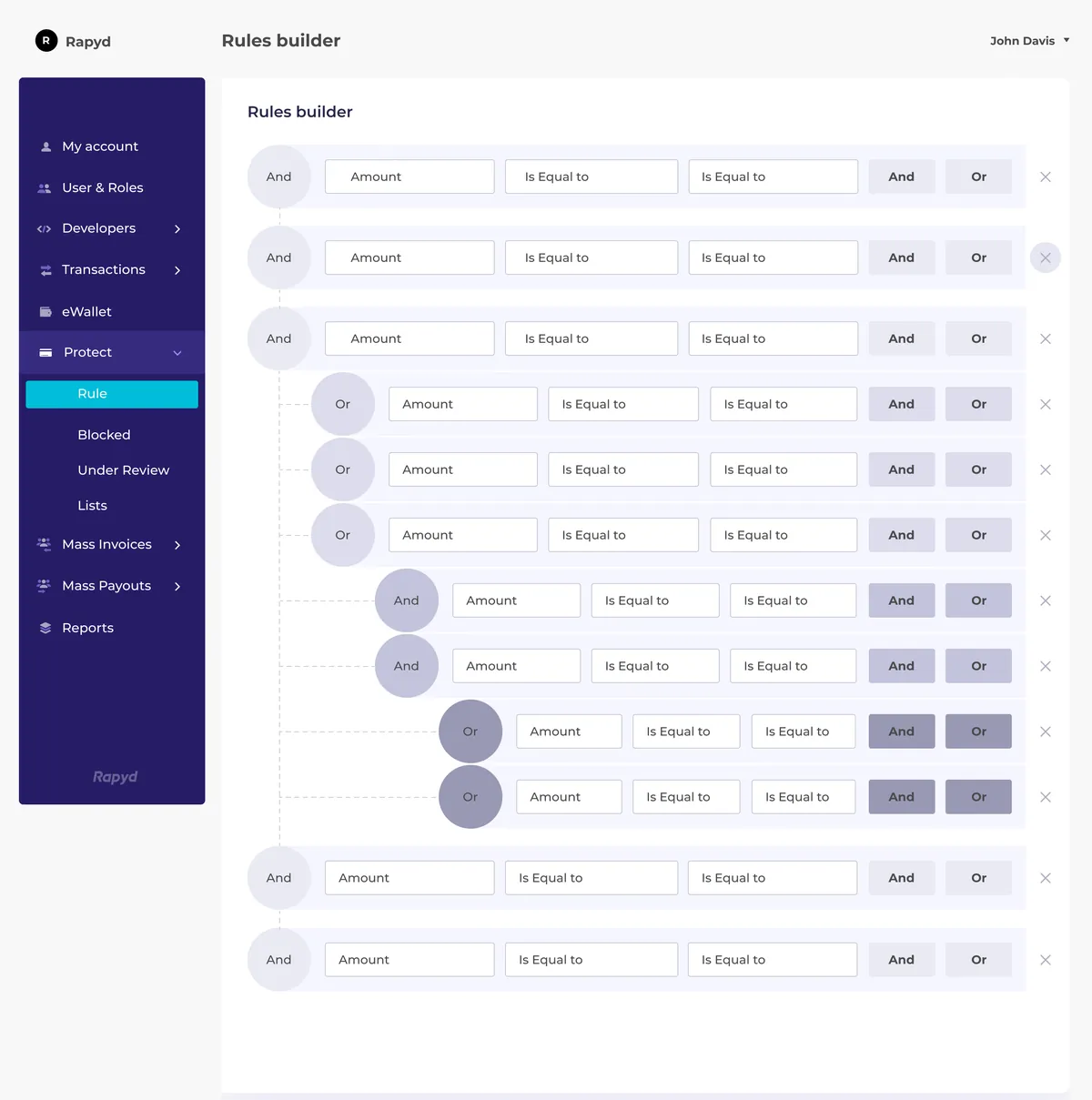
Early explorations built rules inside a modal. As conditions, groups and longer rules came in, the modal ran out of room, so the design moved to a dedicated rule-building workspace.

03 · Progressive complexity
It starts with a single condition
A new rule opens in its own workspace with one condition. Choose a field, and the condition and value unlock.
 1234
- 1The outcome is setThe rule type comes from the section it was created in, and stays visible at the top.
- 2One step at a timeField first. Condition and value unlock once it’s chosen, with options that fit that field.
- 3A summary that growsThe rule logic line updates as the rule is built.
- 4Nothing half-finishedSave as draft and Create rule unlock only when the rule is complete.
03 · Progressive complexity
Complex logic, still easy to follow
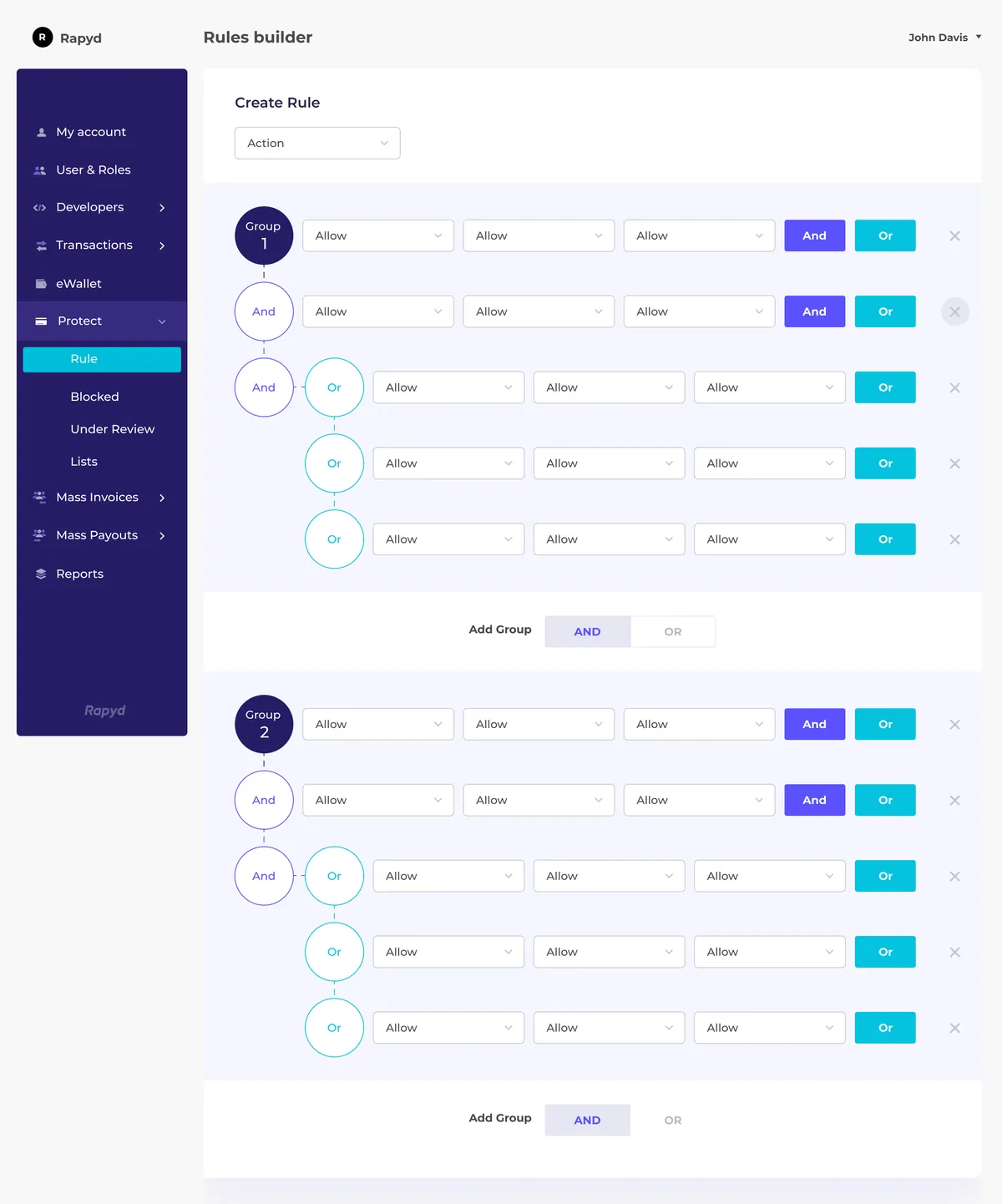
When a rule needs more, merchants add conditions and groups as they go. Each group is a clear block, and the links between them are explicit.
 1234
- 1The whole rule at a glanceThe top line shows how the groups combine, so the logic never hides in the details.
- 2Groups joined explicitlyand / or sits on the line between groups, exactly where the relationship is.
- 3Labels once, not on every fieldField, condition and value are named once per group, so the rows stay clean.
- 4Or, inside an andA branch leaves the main line and ends in a hollow circle: an alternative to the condition above it.
Outcome
From internal dependency to merchant control.
The Rule Builder was designed to give merchants direct control over their fraud prevention rules, reducing their reliance on Rapyd’s internal teams for routine changes.
By bringing rule management and creation into a self-service experience, the solution made it easier for merchants to adapt their rules, respond to changing needs, and manage complex conditions without writing code.
For me, the key design challenge was balancing flexibility with simplicity - making a technically complex capability accessible through a clear, structured interface.
More from the Product
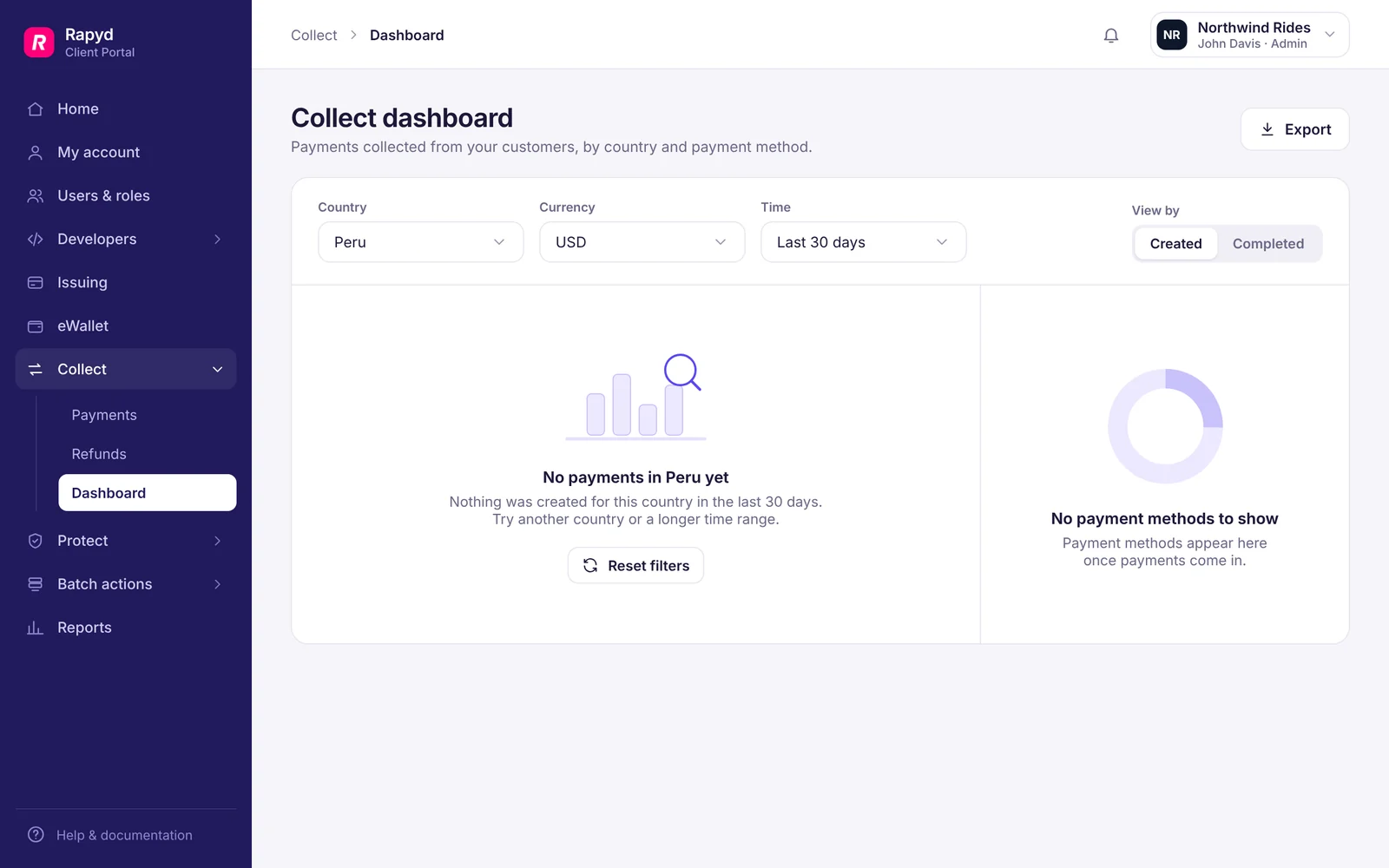
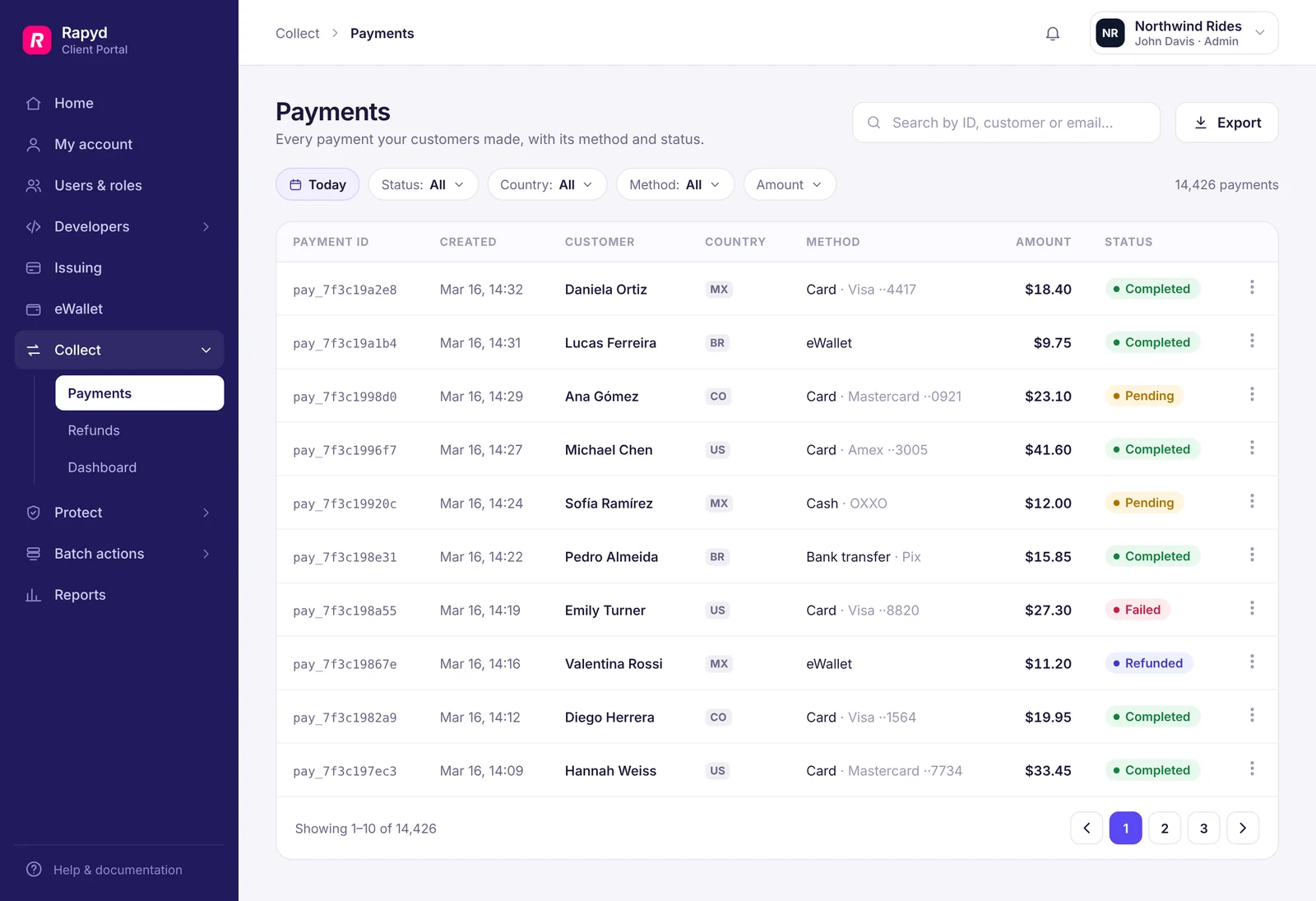
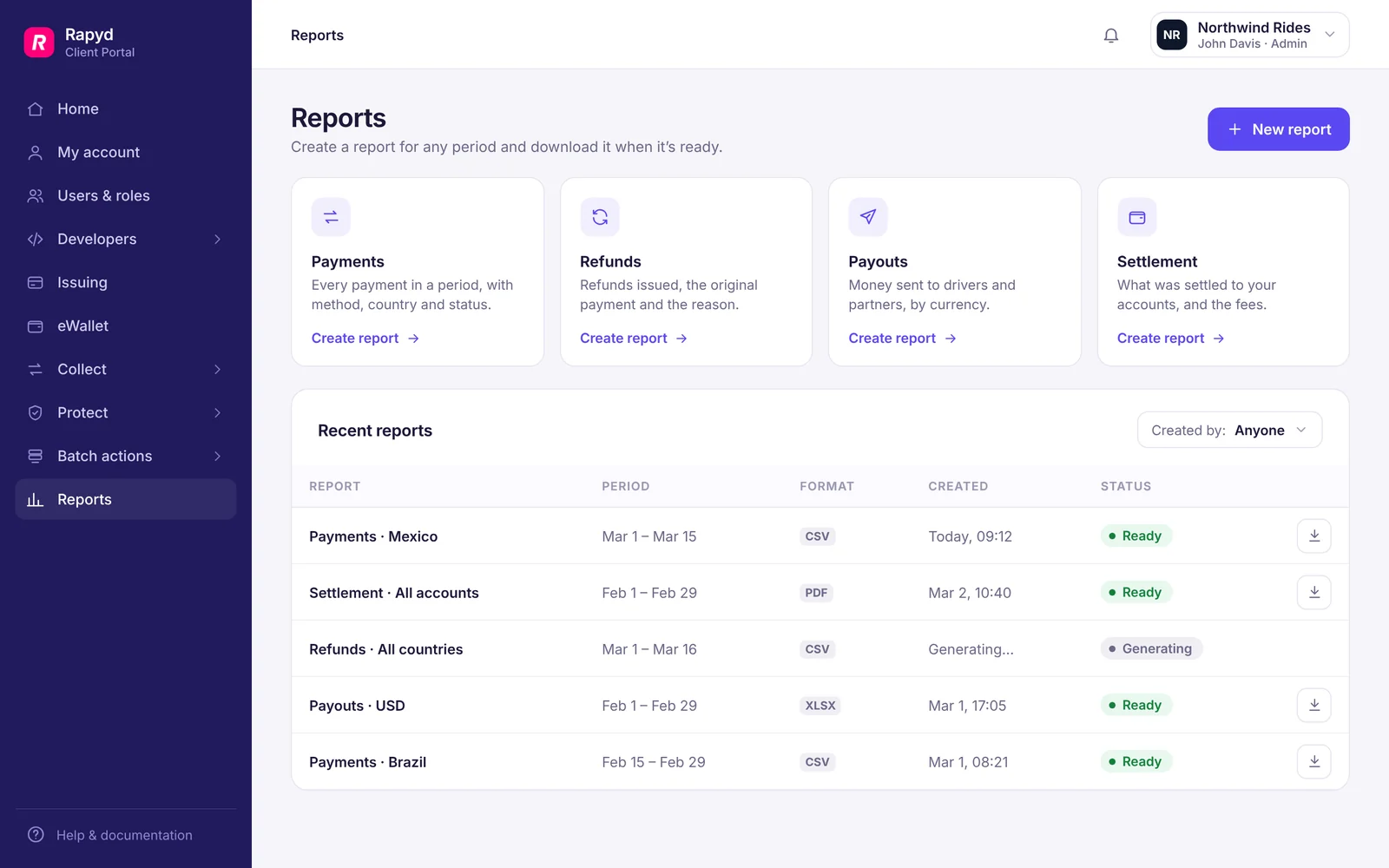
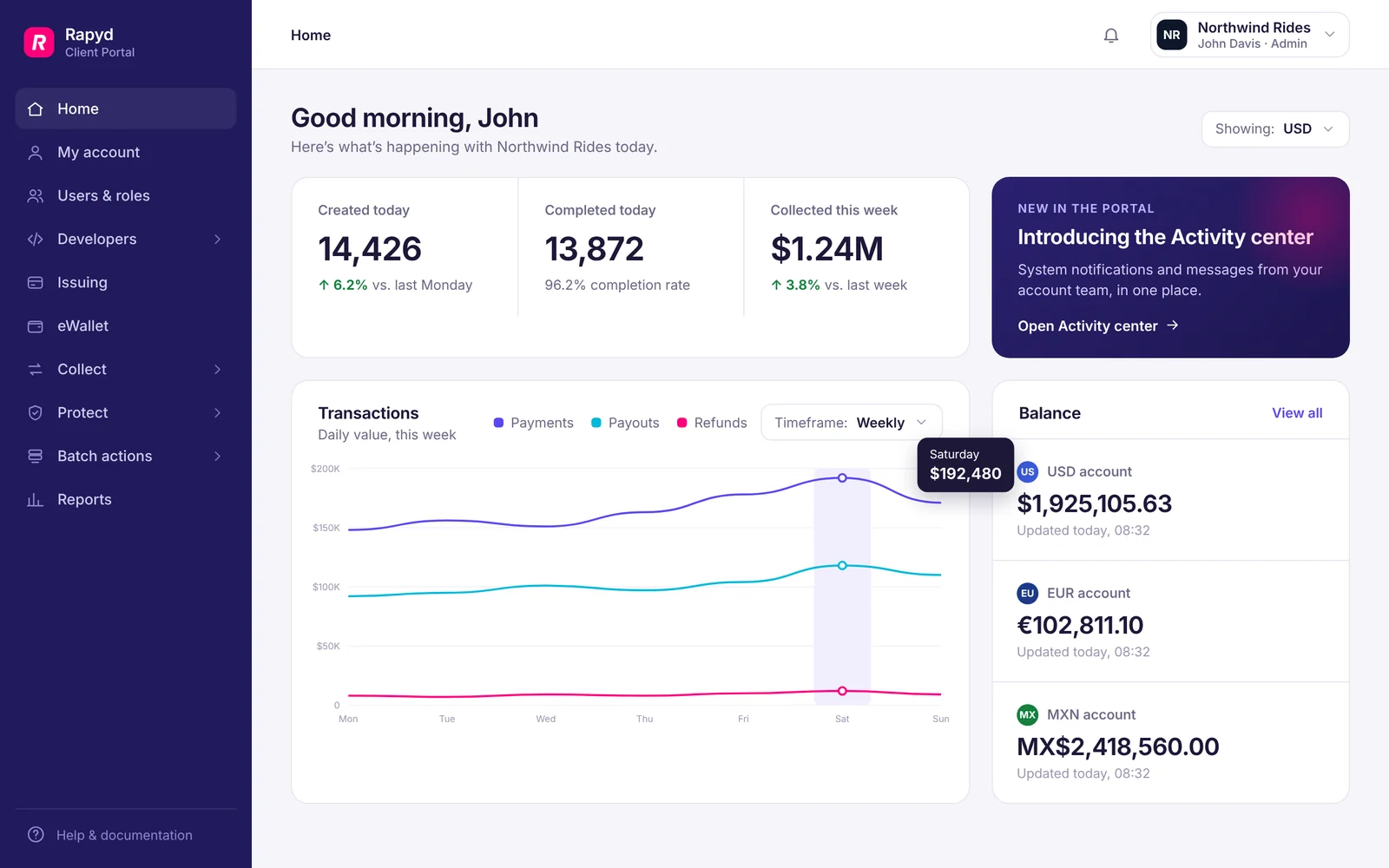
A glimpse into the broader Rapyd Client Portal experience.